
How it works
One check-in a day, and a text to the people you chose only if that check-in goes unanswered.
1. You choose the time and the people
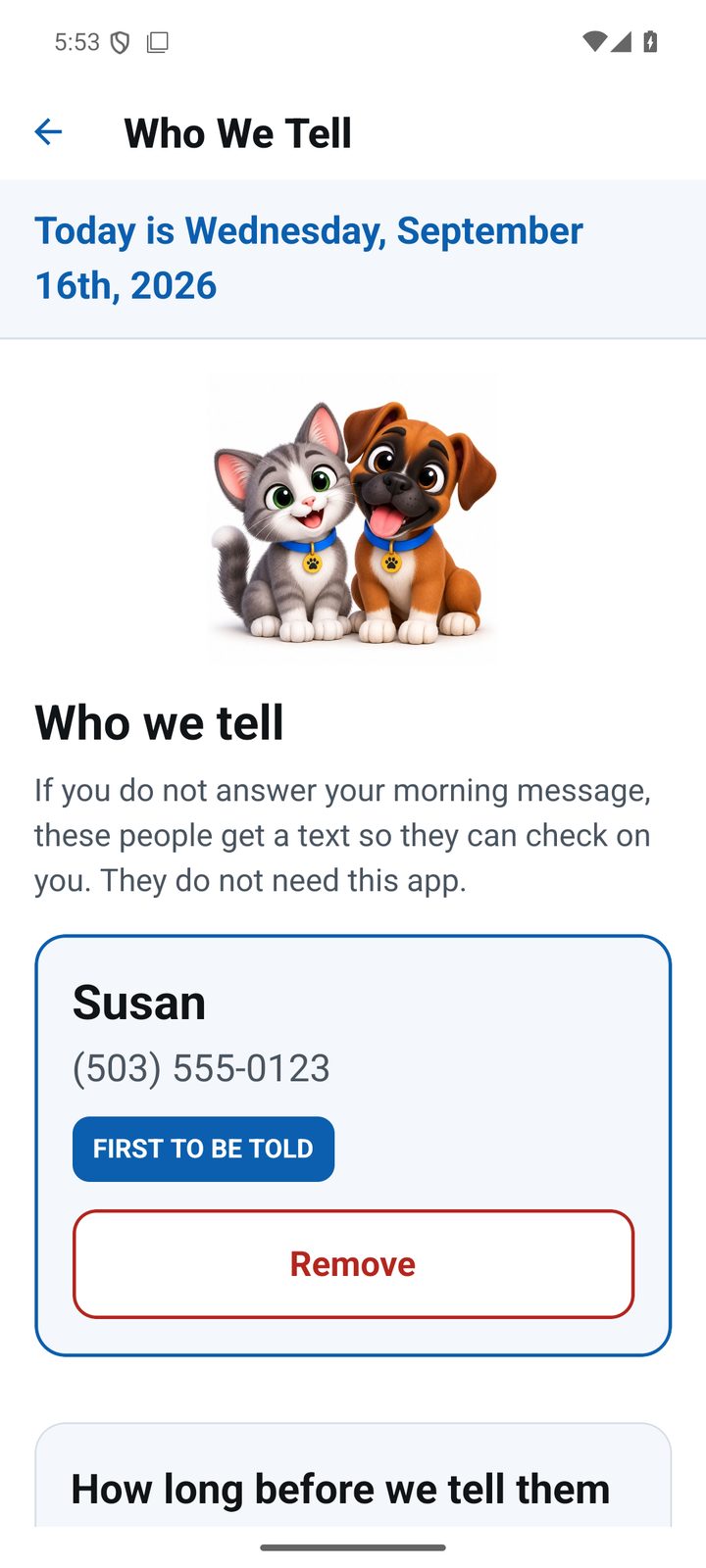
In the app you set the name you want to be greeted by and the time you would like your good morning. Then you add the people who should be told if a morning goes unanswered — usually a son, daughter, spouse or close friend. You choose how long to wait first: 35 minutes, or up to six hours for somebody who wakes at a different time every day.
2. Every morning, the phone says good morning
At your time, your phone greets you by name. If you do not answer, it reminds you again five and ten minutes later. You tap THANK YOU, and that is the whole job. Nothing is sent to anybody.
3. If the morning goes unanswered
Our server, not your phone, watches the clock. That matters: a phone that is off, flat or lost cannot raise the alarm about itself, so the check happens somewhere else. When the time you chose runs out, the people on your list get one text:
Support-O: Mike has not answered their morning check-in (due 08:00). You may want to check on them.
If you answer later, they get a short note so nobody is left worrying:
Support-O: Mike has now answered their morning check-in. No action needed.
The extras, if you want them
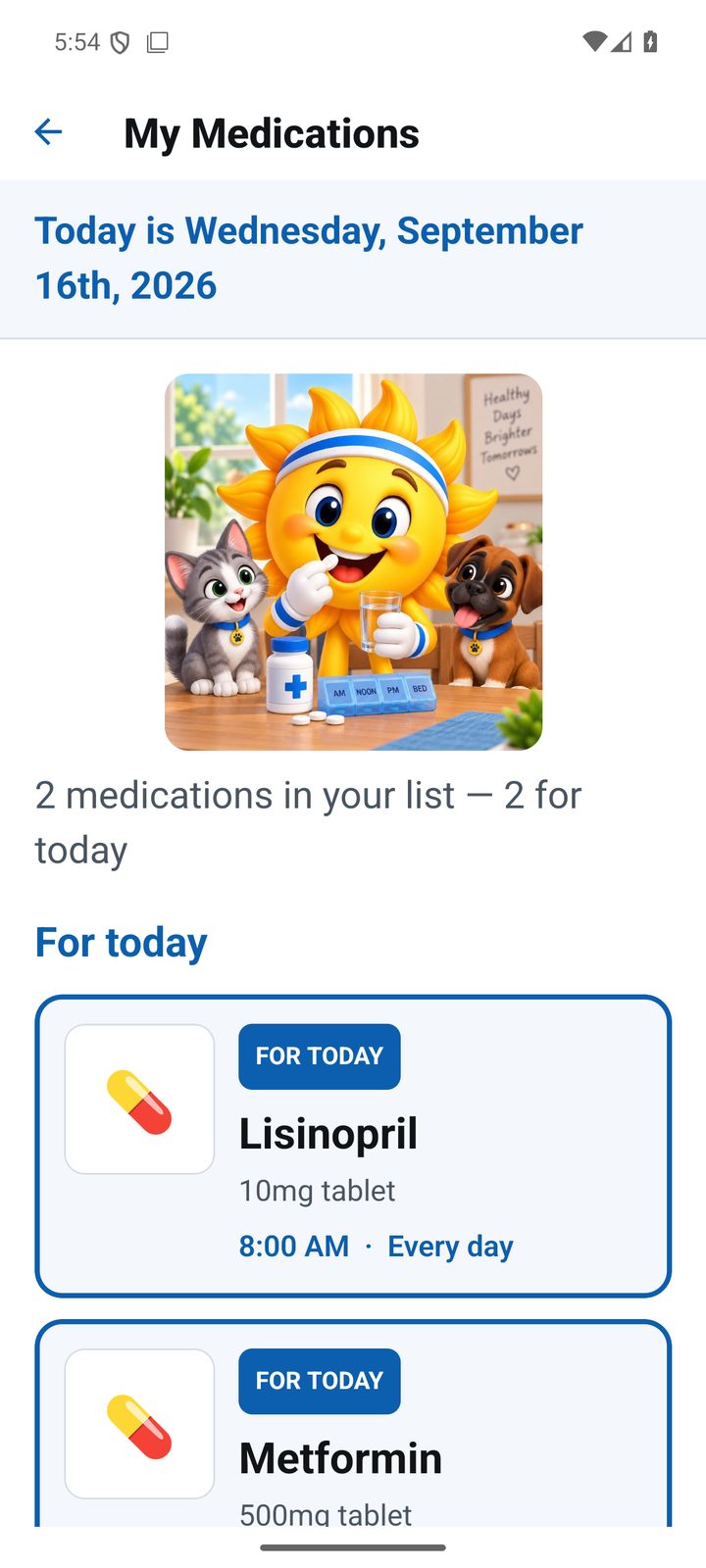
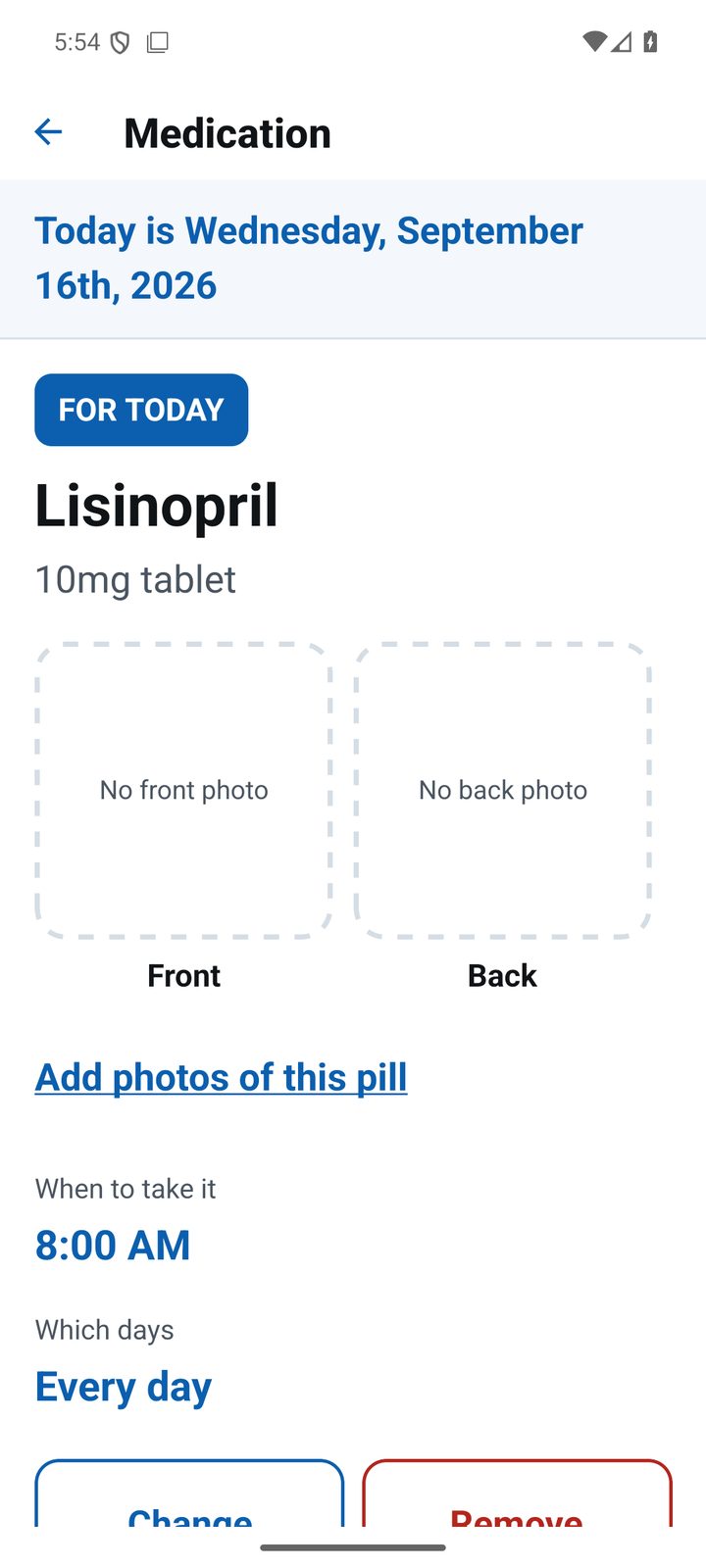
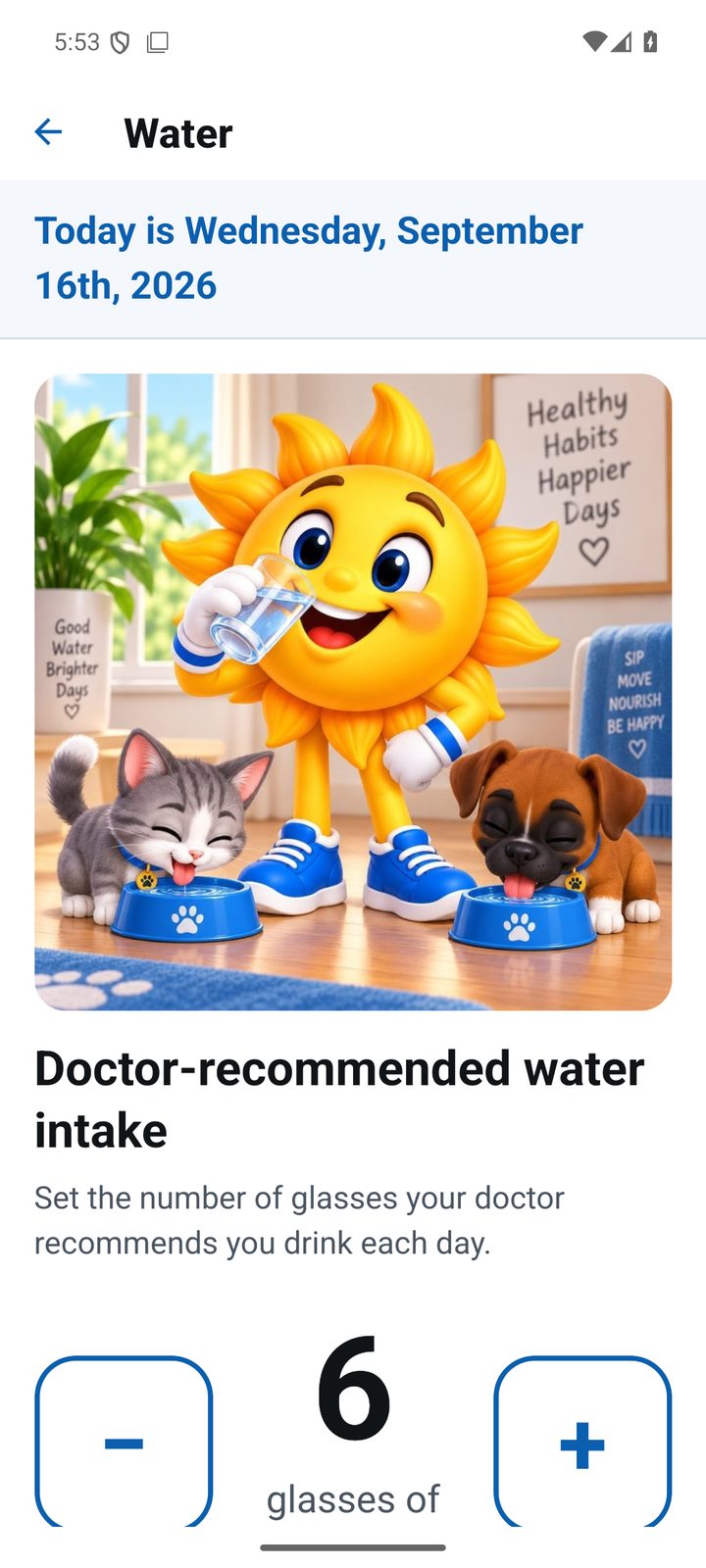
Behind the same screen you can keep a medication list with your own photographs of each pill, an exercise list in your doctor's words, and a daily water goal. None of it is required, and none of it is a tick-box: Support-O records what you were told to do. It never claims to know whether a pill was taken.
The people you add
Ask them first. When you add someone, we send them one text saying who added them and what it means, and they can reply STOP at any time. Details are on the text messages and consent page.